Add "Take Ownership" to Windows 10/11 Context Menu
Add a Take Ownership shortcut to the Windows 10/11 right-click menu using safe registry files. Includes add, add-with-pause, and remove options.
January 2026·5 min read·Apps & Tools
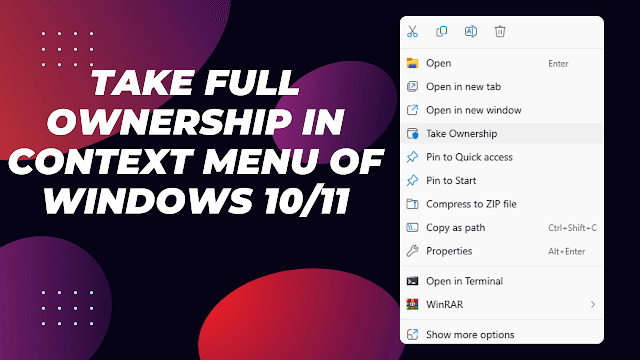
Overview
Need to unlock a protected file or folder? Adding a Take Ownership option to the right-click menu lets you quickly assume ownership and full control of files and folders on Windows 10 and 11 using prebuilt registry files.
Download Registry Files
- Add Take Ownership (instant execution)
- Add Take Ownership (with pause prompt)
- Remove Take Ownership (clean uninstall)
Step-by-Step Guide
1) Download Registry File
Download the preferred registry script from the official Windows Tweaks Hub Repository.
2) Merge into Registry
Double-click the .reg file, approve UAC, and confirm merging.
3) Use Context Menu
Right-click any folder or file and select Take Ownership. Ownership is granted immediately without restarting.
Notes & Safety
- Only run registry files from trusted sources.
- You can open .reg files in Notepad to inspect the commands before running.
- Run the Remove Take Ownership file to cleanly restore original context menu.
Video Walkthrough
Related Articles
Subscribe to the Newsletter
Get real-world IT troubleshooting guides, Azure VDI case studies, and sysadmin automation tips in your inbox.
rinkurapria.devAn enterprise IT portfolio & sysadmin registry.
[●ENTERPRISE ENDPOINT ARCHITECTURE]
RINKURAPRIA
SYS·NODE: 28.6139° N, 77.2090° E·PROTOCOL: HTTPS/3 QUIC