Wintoys: A Simple Windows Optimization Toolkit
Overview of Wintoys, a Microsoft Store app for optimizing, cleaning, repairing, and customizing Windows with a simple interface.
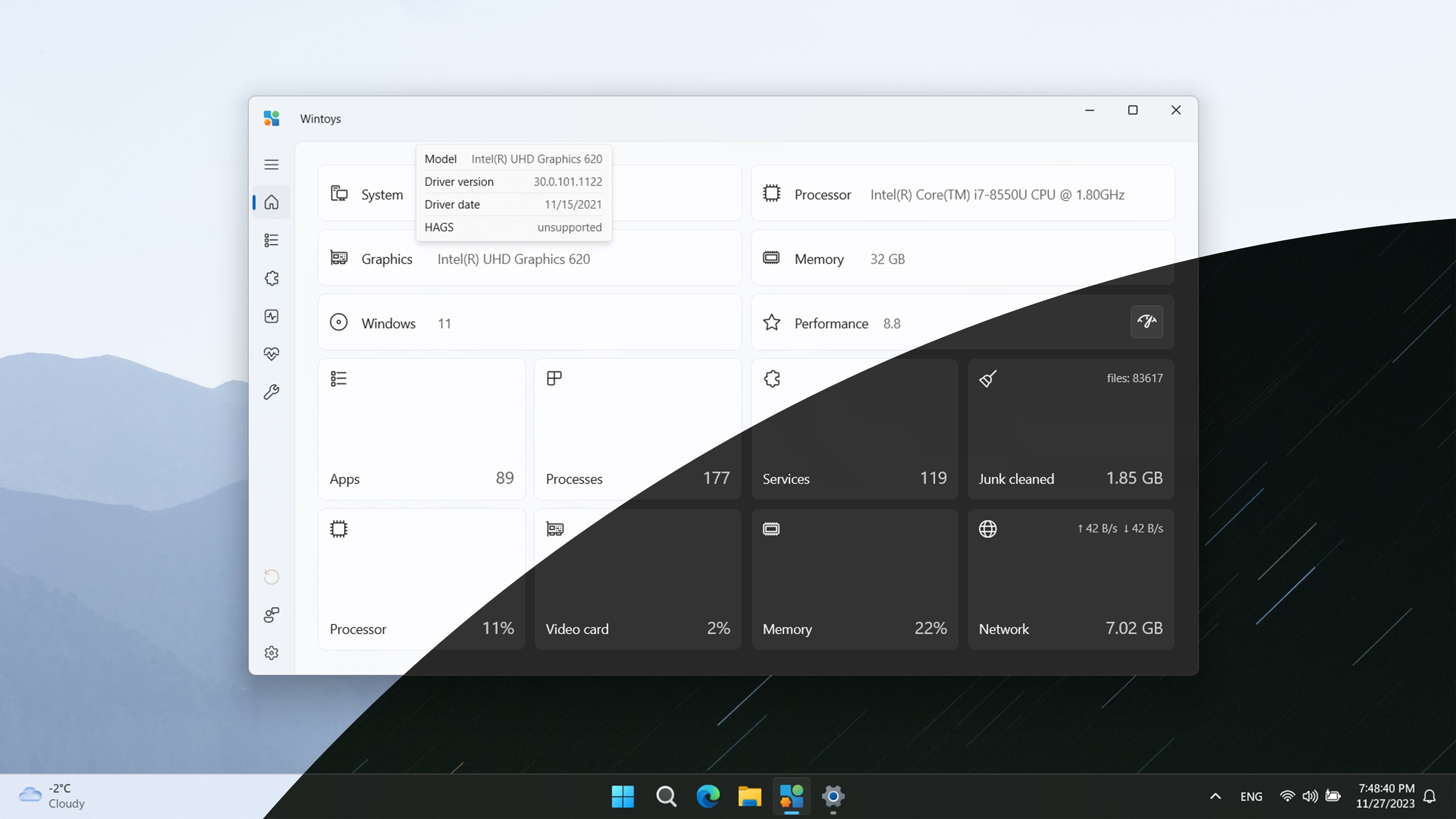
Overview
Wintoys is a useful app for optimizing and customizing Windows available on the Microsoft Store. It assists with setup, debloating, performance tuning, repair, and UI customizations in one unified interface.
Why Wintoys?
Wintoys provides an intuitive dashboard to manage startup apps, disable unnecessary background services, tune power plans, and clean storage without navigating through dozens of Windows Settings screens.
Downloading Wintoys
Download Wintoys on the Microsoft Store and click Install.
Key Features of Wintoys
- 1. Uninstall Stubborn Apps: Remove built-in bloatware apps cleanly.
- 2. Performance Boost: Activate ultimate performance power plan and manage startup items.
- 3. Privacy Controls: Toggle telemetry, location tracking, and advertising IDs.
- 4. Repair Tools: Run SFC, DISM, and CHKDSK visually.
- 5. Customize UI: Tweak desktop icons, transparency effects, and context menus.
In Summary
Wintoys is a solid choice for power users who want a fast, clean, and customized Windows system without writing complex scripts manually.
Related Articles
Subscribe to the Newsletter
Get real-world IT troubleshooting guides, Azure VDI case studies, and sysadmin automation tips in your inbox.